Skip to content
Fieldcraft Tech
  • About
  • Home
  • HomeKit
  • Home Assistant
  • Networking
  • Tesla
  • Raspberry Pi
  • Arduino
  • Home
  • HomeKit
  • Home Assistant
  • Networking
  • Tesla
  • Raspberry Pi
  • Arduino
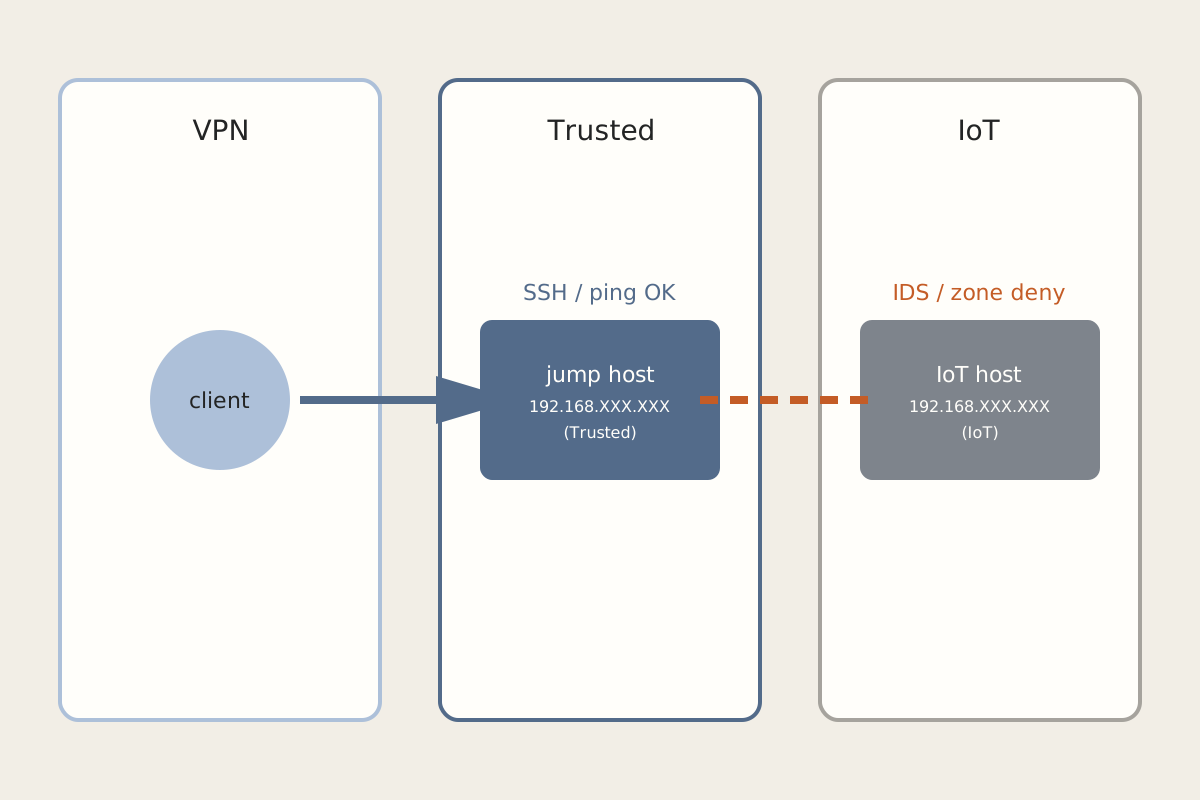
Diagram of a VPN client reaching a Trusted jump host at 192.168.XXX.XXX while an IoT host at 192.168.XXX.XXX stays blocked.
Networking

VPN Connected, but Nothing on the IoT VLAN Answers

Read More VPN Connected, but Nothing on the IoT VLAN Answers
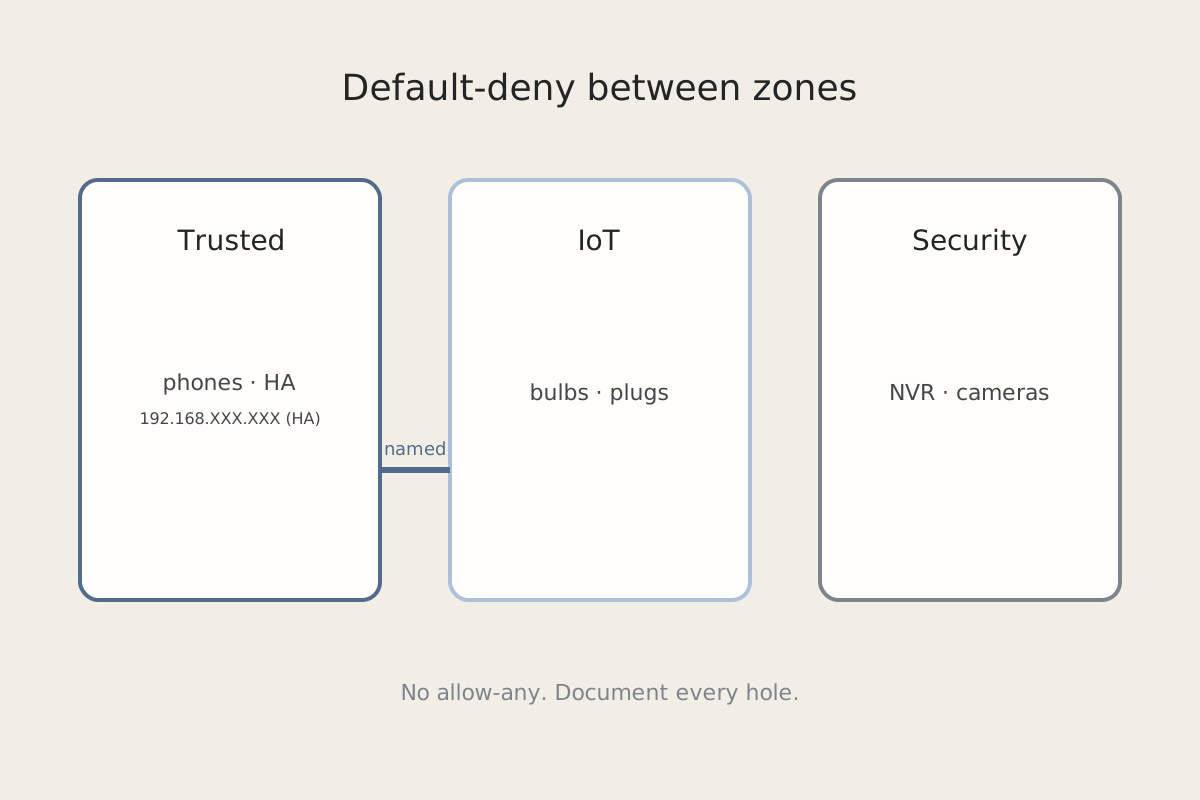
Diagram of Trusted, IoT, and Security zones with default-deny between them and a Home Assistant host at 192.168.XXX.XXX.
Networking

Default-Deny on the IoT VLAN: Exceptions You'll Need

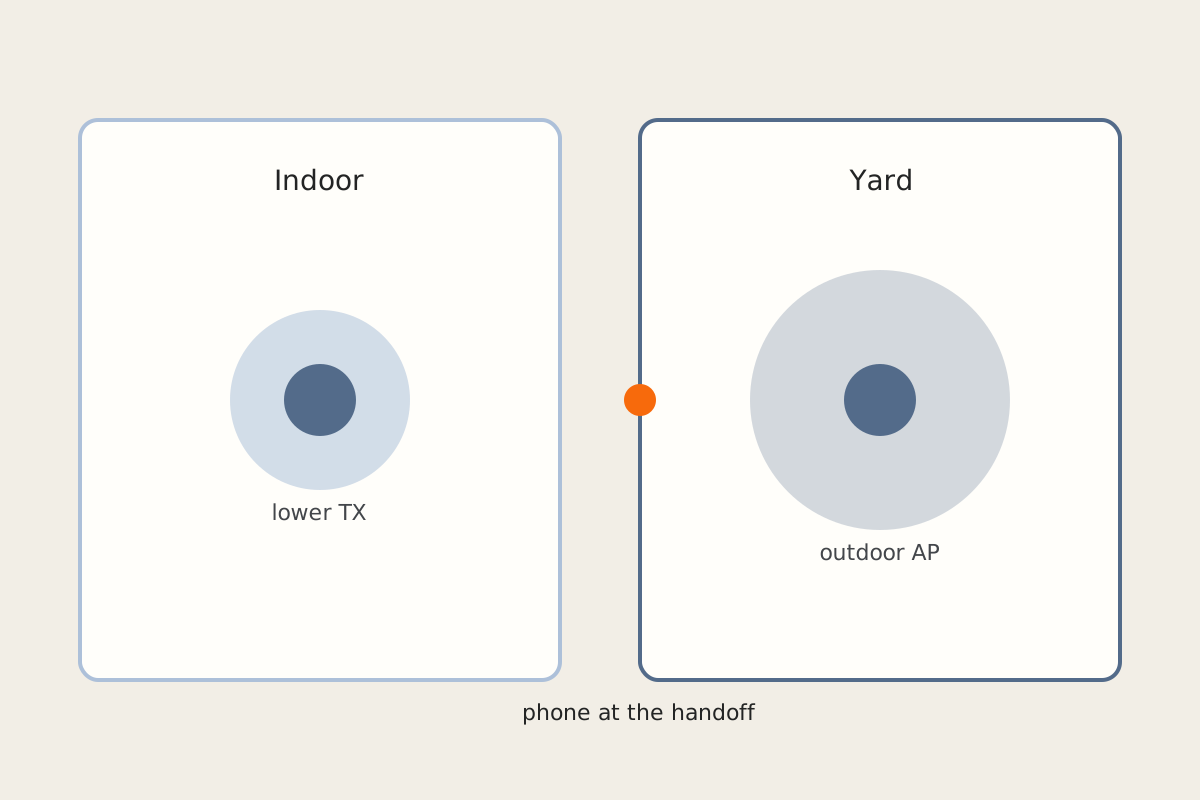
Diagram of indoor and outdoor access points with a phone roaming across a yard.
Networking

Why Phones Won't Roam Across a Yard of Access Points

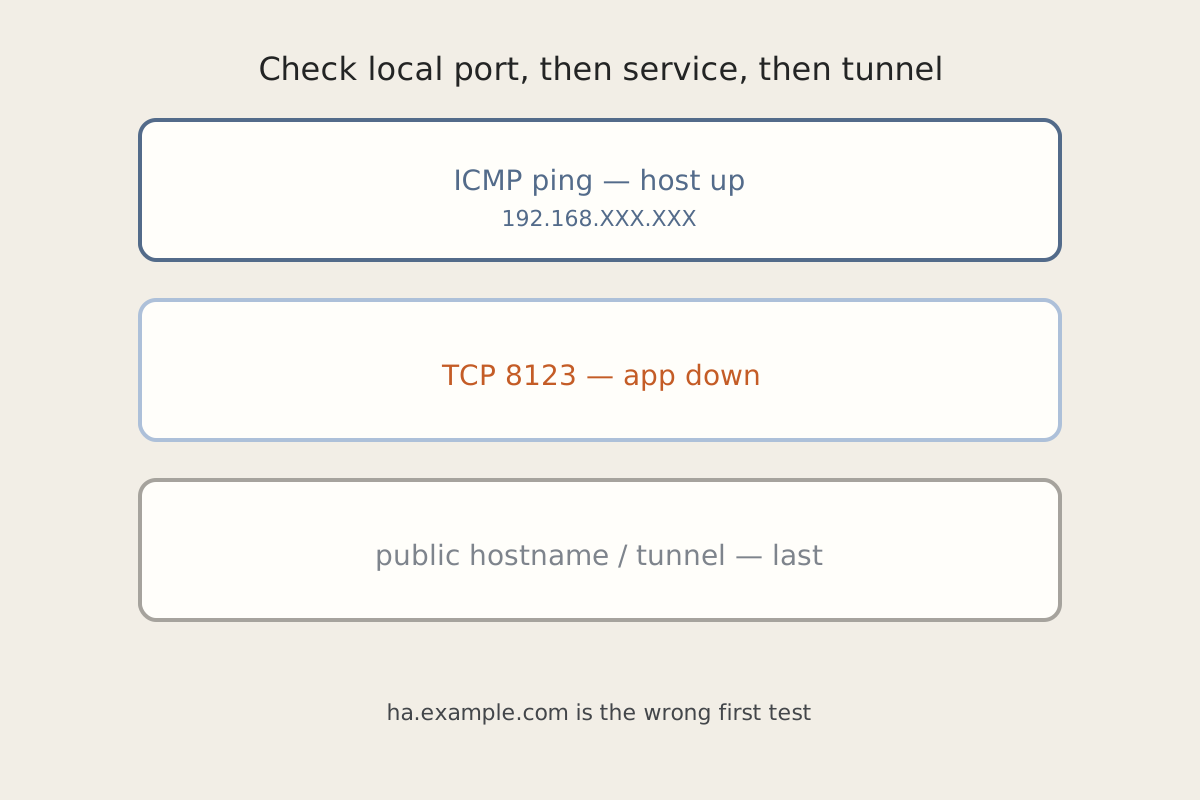
Diagram showing a host at 192.168.XXX.XXX that answers ping while port 8123 and the app stay down.
Home Assistant

Home Assistant Is Pingable and Completely Dead

November 21, 2026 • By Zach

ICMP only proves the host is up. Check port 8123, the container, disk and mounts, then the tunnel…

Read More Home Assistant Is Pingable and Completely Dead
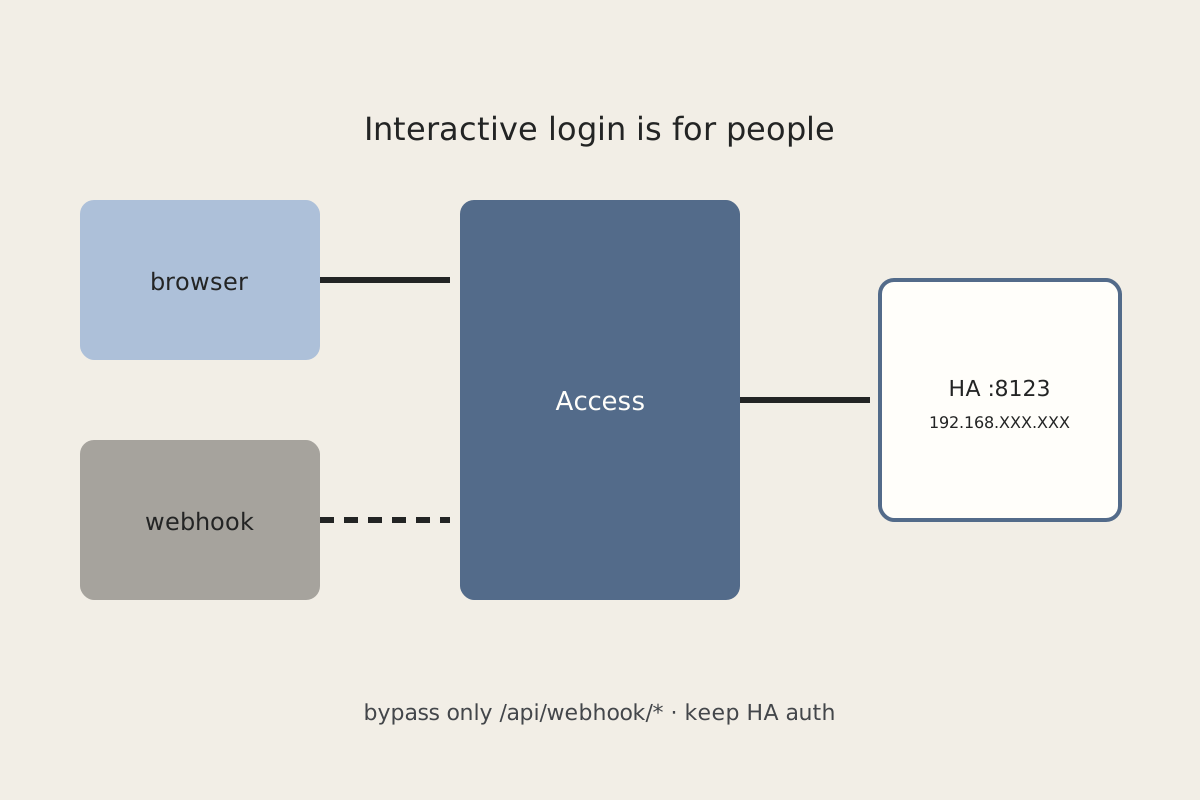
Diagram of a browser path through Cloudflare Access and a separate webhook bypass to Home Assistant at 192.168.XXX.XXX:8123.
Home Assistant

Cloudflare Access in Front of Home Assistant Without Breaking Automations

November 21, 2026 • By Zach

Browsers can click through Access. Companion apps and webhooks cannot. Use service tokens or a narrow webhook bypass,…

Read More Cloudflare Access in Front of Home Assistant Without Breaking Automations
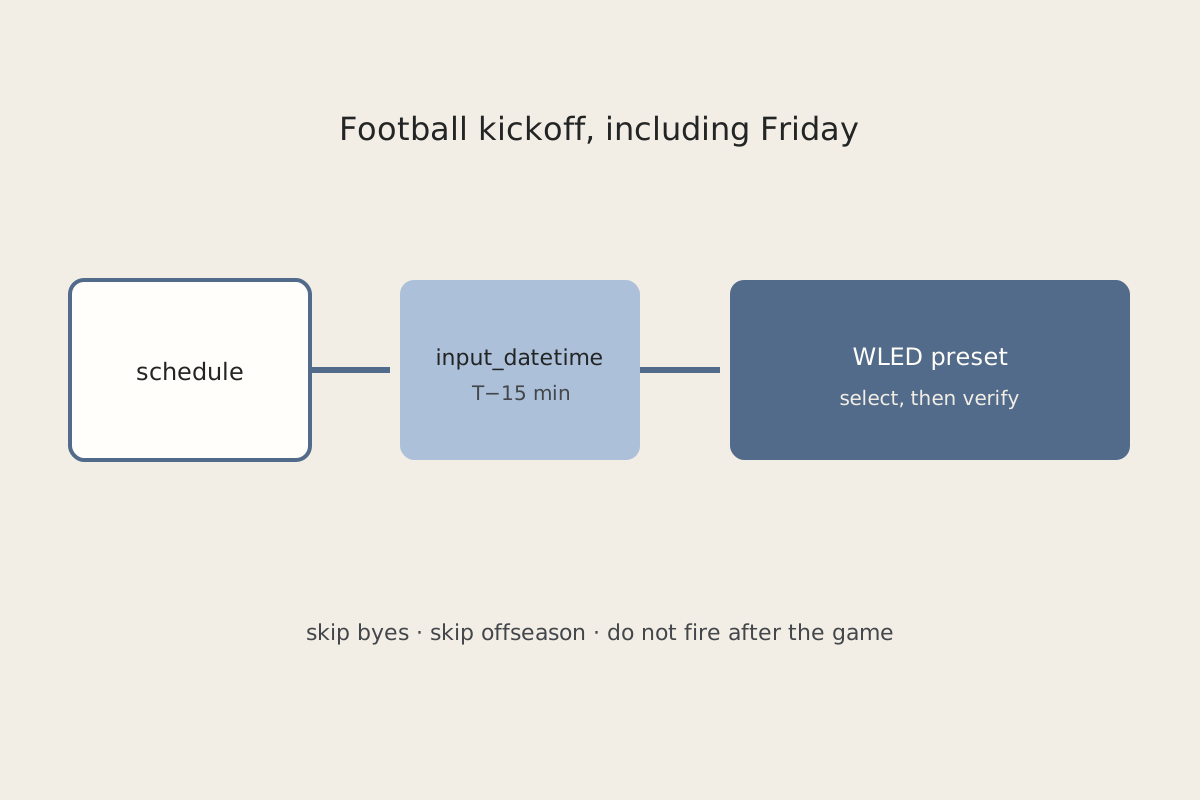
Diagram of a kickoff timer driving a WLED preset on game day.
Home Assistant

Game-Day Lights That Don't Need a Schedule Check

November 21, 2026 • By Zach

Drive WLED from the kickoff time, skip byes, and set the preset select directly — Home Assistant scene…

Read More Game-Day Lights That Don't Need a Schedule Check
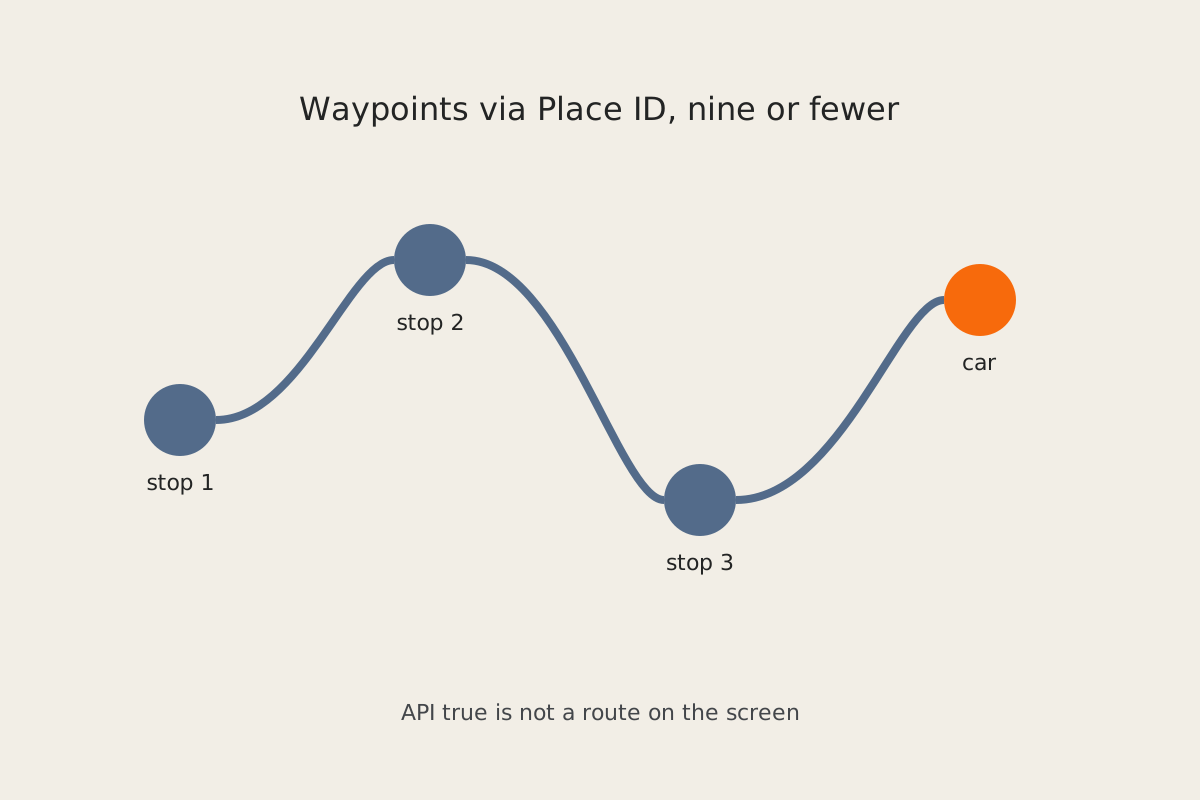
Diagram of a multi-stop route with Place ID waypoints sent to a car.
Tesla

Pushing a Real Multi-Stop Route to a Tesla

November 21, 2026 • By Zach

navigation_waypoints_request can return true while the car shows no route. Chunk nine stops, use full Place IDs, and…

Read More Pushing a Real Multi-Stop Route to a Tesla
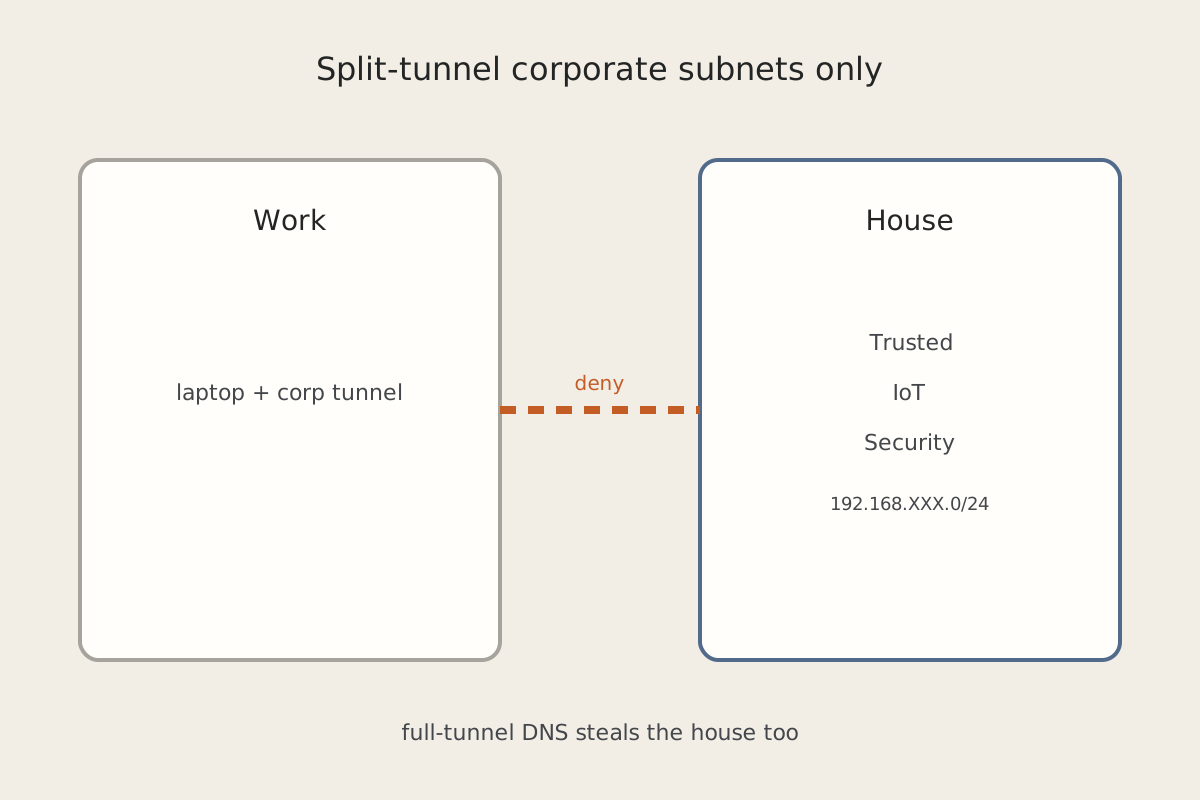
Diagram of a Work zone isolated from Trusted, IoT, and Security on 192.168.XXX.0/24.
Networking

Work VPN Should Not Steal House Traffic

November 21, 2026 • By Zach

Put the work laptop on its own zone, split-tunnel corporate subnets only, and watch full-tunnel DNS and the…

Read More Work VPN Should Not Steal House Traffic
thumbnail for the blog post on sending Arduino sensor data to mqtt
Arduino

Sending Sensor Data From Arduino to MQTT

March 4, 2023 • By Zach

Sharing data from an Arduino to an MQTT server is a very efficient way to share data between…

Read More Sending Sensor Data From Arduino to MQTT
thumbnail for blog post Installing an iPad Wall Mount
HomeKit

How to Wall Mount an iPad

August 6, 2022 • By Zach

The best way to display an iPad is to wall mount it. It gives a clean look and…

Read More How to Wall Mount an iPad

thumbnail for blog post Philips Hue Roundup
Philips Hue

Philips Hue Roundup

June 6, 2022 • By Zach

Check out all of the posts I have related to Philips Hue lights in this post Roundup! Everything…

Read More Philips Hue Roundup
thumbnail for blog post Moving Hue to a New Owner
Philips Hue

How to Transfer Philips hue Bridge to a New Owner

May 21, 2022 • By Zach

While there is no easy way to transfer a Philips Hue bridge to a new owner, there are…

Read More How to Transfer Philips hue Bridge to a New Owner
thumbnail for blog post iPad as Home Hub
HomeKit

How to use an iPad as a Home Hub

May 21, 2022 • By Zach

It's very simple to use an iPad as a home hub for your smart home devices. A wifi…

Read More How to use an iPad as a Home Hub
thumbnail for the blog post New Home Setup
HomeKit

How to Setup a New Home in HomeKit

May 5, 2022 • By Zach

HomeKit is the foundation of my smart home. Let's walk through how to setup a new home with…

Read More How to Setup a New Home in HomeKit
thumbnail for the blog post Philips Hue plus HomeKit
Philips Hue

How to Setup Philips Hue with Homekit

May 3, 2022 • By Zach

Setting up Philips Hue lights and accessories with HomeKit is a great way to get your smart home…

Read More How to Setup Philips Hue with Homekit
Zachary Fields

Zachary Fields

Hey I’m Zach! I’ve always had a passion for technology and how it can make life easier. Follow along on this blog to see how I use technology to enhance my daily life!

About Me
thumbnail for blog post Installing an iPad Wall Mount

How to Wall Mount an iPad

READ MORE How to Wall Mount an iPad
thumbnail for blog post Philips Hue Roundup

Philips Hue Roundup

READ MORE Philips Hue Roundup
thumbnail for blog post Moving Hue to a New Owner

How to Transfer Philips hue Bridge to a New Owner

READ MORE How to Transfer Philips hue Bridge to a New Owner
thumbnail for blog post iPad as Home Hub

How to use an iPad as a Home Hub

READ MORE How to use an iPad as a Home Hub
thumbnail for the blog post New Home Setup

How to Setup a New Home in HomeKit

READ MORE How to Setup a New Home in HomeKit
thumbnail for the blog post Philips Hue plus HomeKit

How to Setup Philips Hue with Homekit

READ MORE How to Setup Philips Hue with Homekit
Diagram of a VPN client reaching a Trusted jump host at 192.168.XXX.XXX while an IoT host at 192.168.XXX.XXX stays blocked.

VPN Connected, but Nothing on the IoT VLAN Answers

READ MORE VPN Connected, but Nothing on the IoT VLAN Answers
Diagram of Trusted, IoT, and Security zones with default-deny between them and a Home Assistant host at 192.168.XXX.XXX.

Default-Deny on the IoT VLAN: Exceptions You'll Need

READ MORE Default-Deny on the IoT VLAN: Exceptions You'll Need
Diagram of indoor and outdoor access points with a phone roaming across a yard.

Why Phones Won't Roam Across a Yard of Access Points

READ MORE Why Phones Won't Roam Across a Yard of Access Points
Diagram showing a host at 192.168.XXX.XXX that answers ping while port 8123 and the app stay down.

Home Assistant Is Pingable and Completely Dead

READ MORE Home Assistant Is Pingable and Completely Dead
Diagram of a Work zone isolated from Trusted, IoT, and Security on 192.168.XXX.0/24.

Work VPN Should Not Steal House Traffic

READ MORE Work VPN Should Not Steal House Traffic
thumbnail for the blog post on sending Arduino sensor data to mqtt

Sending Sensor Data From Arduino to MQTT

READ MORE Sending Sensor Data From Arduino to MQTT
thumbnail for blog post Installing an iPad Wall Mount

How to Wall Mount an iPad

READ MORE How to Wall Mount an iPad

No posts

Most Popular Posts

Diagram of a VPN client reaching a Trusted jump host at 192.168.XXX.XXX while an IoT host at 192.168.XXX.XXX stays blocked.
Networking

VPN Connected, but Nothing on the IoT VLAN Answers

November 21, 2026 • By Zach

Read More VPN Connected, but Nothing on the IoT VLAN Answers
Diagram of Trusted, IoT, and Security zones with default-deny between them and a Home Assistant host at 192.168.XXX.XXX.
Networking

Default-Deny on the IoT VLAN: Exceptions You'll Need

November 21, 2026 • By Zach

Read More Default-Deny on the IoT VLAN: Exceptions You'll Need
Diagram of indoor and outdoor access points with a phone roaming across a yard.
Networking

Why Phones Won't Roam Across a Yard of Access Points

November 21, 2026 • By Zach

Read More Why Phones Won't Roam Across a Yard of Access Points
  • Home
  • HomeKit
  • Home Assistant
  • Networking
  • Tesla
  • Raspberry Pi
  • Arduino

© 2026 Fieldcraft Tech

Terms and Conditions - Privacy Policy

We use cookies for Google ads and optional analytics. Ads can still load with non-personalized defaults until you choose. See our Privacy Policy.