Cloudflare Access in Front of Home Assistant Without Breaking Automations
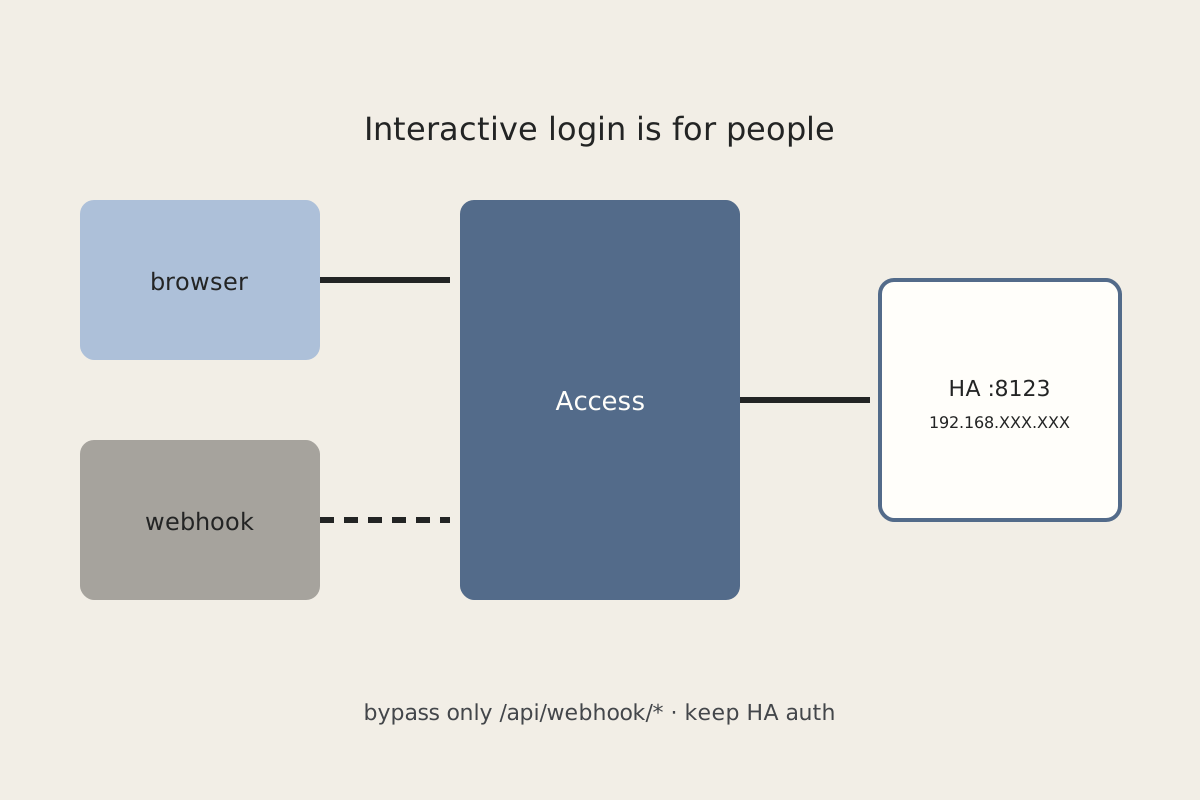
Putting Cloudflare Access in front of Home Assistant fixes the “anyone with the URL” problem and immediately breaks the companion app, webhooks, and half your integrations. Browsers can click through an identity prompt. Automations cannot.
Symptom
You wrap ha.example.com in Access. The browser now gets an email/IdP login, then the HA login. Great for you. The companion app on a phone off-LAN spins or bounces through a login page it cannot finish. /api/webhook/… calls from a garage opener, a GitHub action, or a car integration start returning 302/403. Local automations still run — until something in the chain decided to go via the public hostname.
Why it happens
Access is an interactive control at the edge. It is doing its job. Home Assistant’s companion, webhook, and integration clients are not browsers. They cannot complete an Access login, and they should not be given a human session cookie.
Two more traps stack on top:
- HA auth is still required — Access is not a replacement for it. If you “simplify” by turning off HA users because Access already authenticated you, a bypassed webhook path becomes an unauthenticated HA.
- Trusted proxies — if HA does not trust the proxy in front of it, redirects, client IPs, and CSRF checks go weird, which looks like Access even when Access is fine.
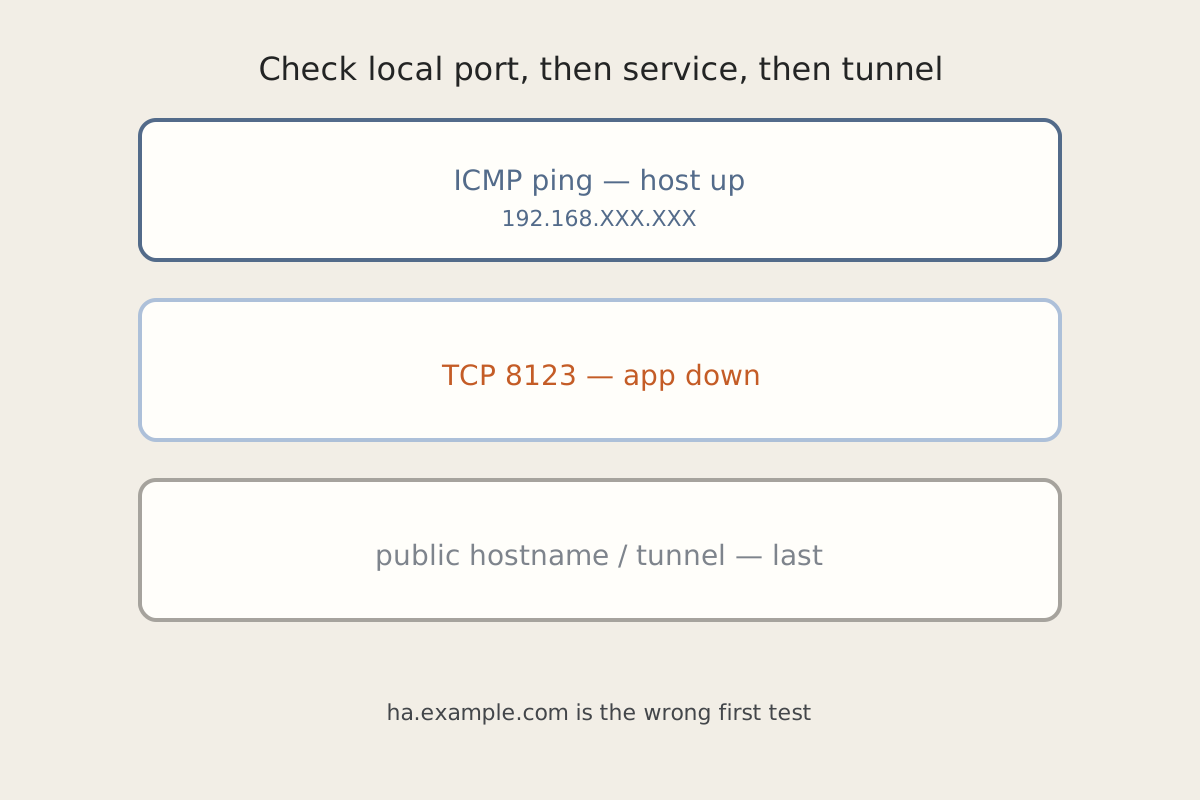
If the UI is dead on the LAN too, stop here and use Home Assistant Is Pingable and Completely Dead. Access cannot fix a process that is not listening on 8123.
Fix steps
-
Keep the browser path on Access. Humans hitting
https://ha.example.comshould still pass Access, then HA’s own login. Do not disable HA users. -
Give machines a non-interactive path. Two patterns that work, often together:
- Service tokens on the Access application for the companion (and any other client you control) that can attach the Client ID / Client Secret headers. Rotate them. Do not paste them into a blog post, a repo, or a screenshot.
- A bypass policy scoped to
/api/webhook/*(and only that). Webhooks still carry HA’s own webhook ID, which is the real secret. Do not bypass/or/api/.
-
Keep local automations on the LAN or the home VPN. Lights, covers, and MQTT should talk to
http://192.168.XXX.XXX:8123(or the .internal name) — not toha.example.com. If a phone on the home VPN still cannot reach HA, that is a zone/VPN issue: VPN Connected, but Nothing on the IoT VLAN Answers. -
Set trusted proxies in HA to the reverse proxy / tunnel hop that terminates TLS. Use the proxy’s address on the HA network, not a guess. Wrong values produce redirect loops that look like an Access misconfig.
-
Write down the tradeoffs. Access-in-front means: a better gate for browsers; extra moving parts for every API client; a webhook bypass that you must keep narrow; service tokens to inventory; and no protection if someone who already passed Access also knows an HA password. It is not Zero Trust for automations unless you designed the non-interactive path on purpose.
How to verify
- A private browser session to
https://ha.example.comhits Access, then HA login, then the dashboard. - Companion from off-LAN works with the service-token path (or stays on the LAN/VPN path you chose).
- A test POST to
/api/webhook/<id>from a machine that is supposed to be allowed returns HA’s response, not an Access login HTML page. - The same POST to
/or a random/api/path still gets Access (or 403), not HA. - An automation that never leaves the LAN still fires when you pull the WAN, because it never needed Access.
Related posts