Pushing a Real Multi-Stop Route to a Tesla
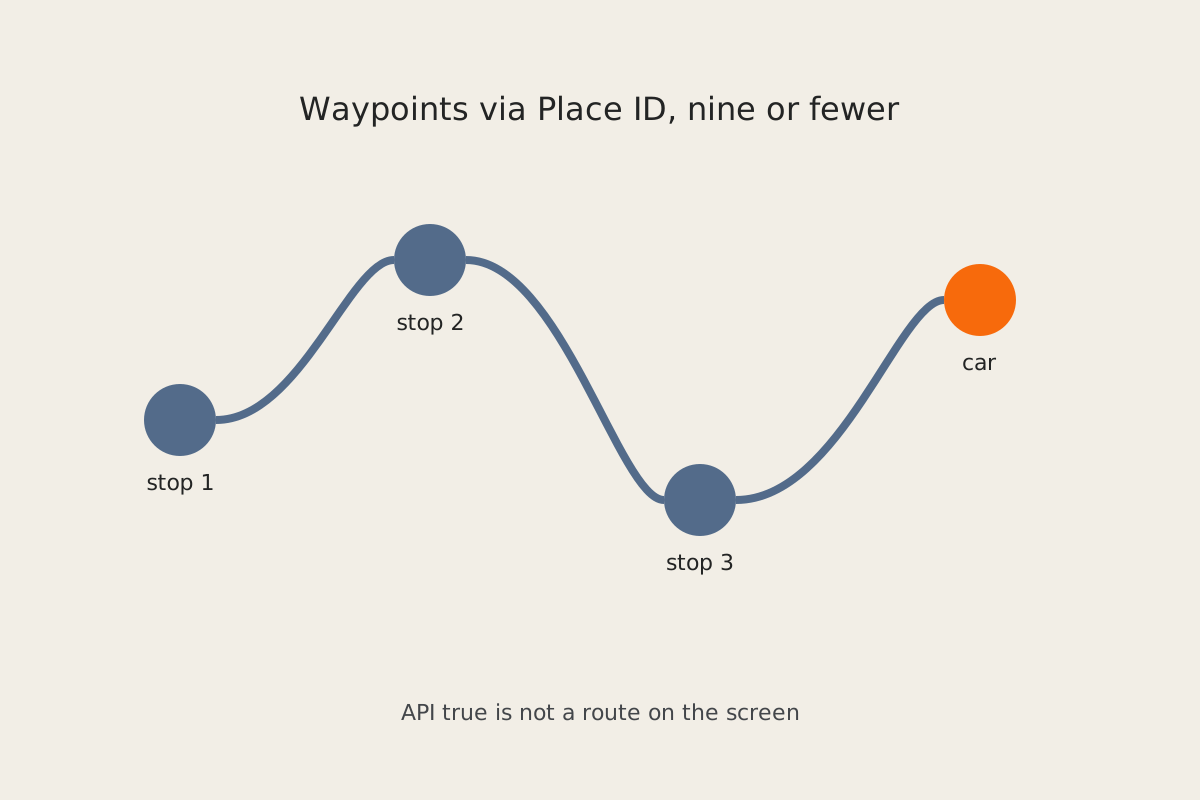
You sent a multi-stop route to the car. The API said true. The car shows nothing. A single destination often works. A real errand list — grocery, parts store, the other side of town — dies quietly. The bug is usually the waypoint payload or a proxy that does not implement waypoints at all, not the vehicle.
Symptom
A vehicle-command proxy returns result: true (or 200) for navigation_waypoints_request. The center screen never opens a route. Sometimes an old destination is still there. Sometimes Maps flashes an overview and immediately clears. More than a handful of stops, or Place IDs you typed off a photo, make it worse. The driver is sitting in the seat waiting to tap Start on a route that never arrived.
Why it happens
Tesla’s waypoint command is not “navigation to an address string.” Each stop is a Google Place ID passed as refId:<PLACE_ID>. Three independent failures all report success:
- The proxy does not actually support waypoints. Plenty of vehicle-command wrappers implement a single-destination navigation call and stub or ignore a waypoint list. They still return
true. Confirm the proxy version and the request body it forwarded — not just the HTTP status. - More than nine unique stops. Chunk the list into groups of nine or fewer. Repeating the same Place ID to “pad” the list does not help; unique stops are what count.
- Bad or truncated Place IDs. Google Place IDs that start with
ChIJare about 27 characters. OCR from a screenshot, a copy-paste that clipped the tail, or a Maps short link is not a Place ID. The command is accepted; the car has nothing to resolve.
Send the command against a vehicle id you already use for other signed commands. Use a placeholder like <VIN> in any notes or scripts you share — never a real VIN.
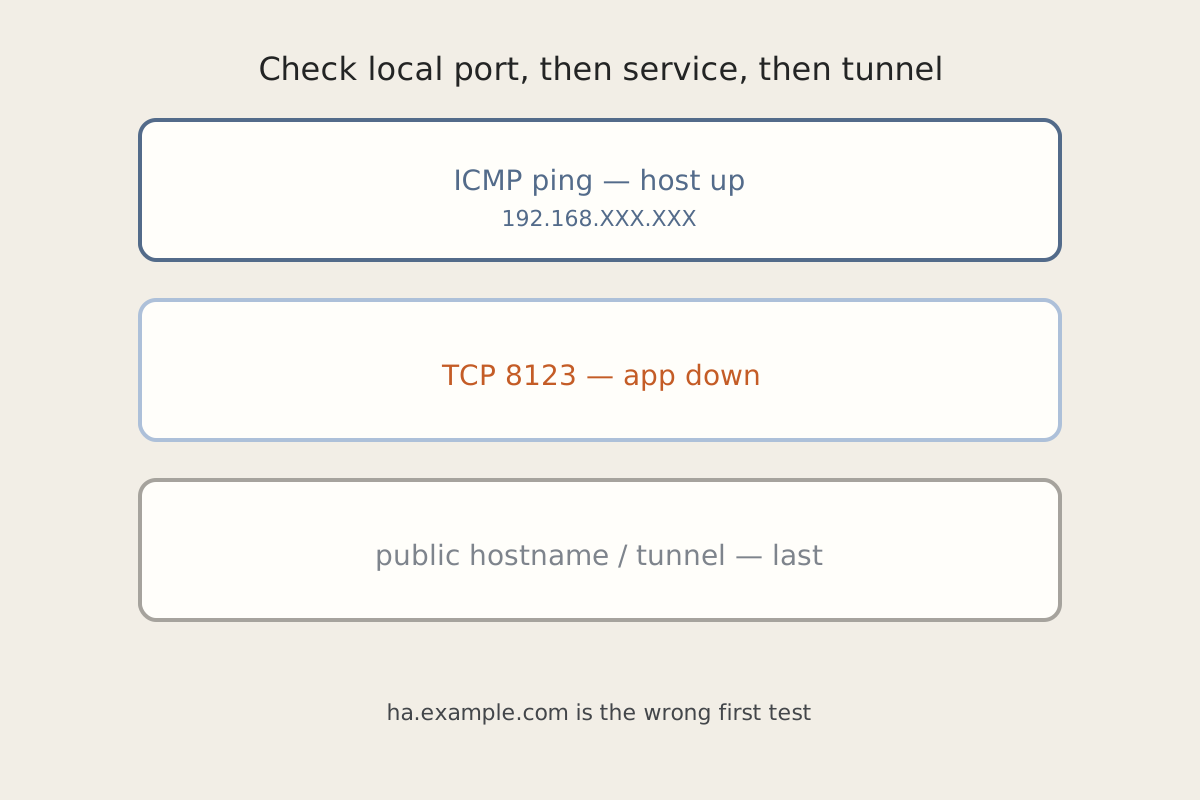
If this job is kicked off from Home Assistant, a dead HA will also look like “the car ignored me.” Check Home Assistant Is Pingable and Completely Dead before you rewrite the waypoint payload.
Fix steps
-
Confirm the proxy implements waypoints. Read the proxy docs or the captured upstream body. You want a
navigation_waypoints_request(not only a singlenavigation_request) with each stop asrefId:<PLACE_ID>. If the proxy cannot send waypoints, no car-side trick will invent them. -
Resolve real Place IDs, do not OCR them. From Google Maps, copy the Place ID for each stop (Places API, a share-link expander you trust, or the Maps URL’s
1s/ place identifier — not the visible street address alone). If a value does not look like a full Place ID, do not send it. Do not paste live Place IDs into tickets or screenshots. -
Cap unique stops at nine per request. For a longer errand, send the first nine, let the driver finish that leg, then send the next chunk. Deduplicate. Order the list the way you want to drive it; the car will not save you from a random permutation.
-
Optimize the order before you push. Use a Maps overview (or any TSP-ish reorder you already like) so the waypoint list is the drive, not the order you thought of the stops. Then send that list.
-
Expect a tap. Even a perfect payload often lands as an in-car overview. The driver may still need to tap Start. “API true” means the vehicle accepted the command, not that wheels are rolling.
How to verify
- A two-stop list with known-good Place IDs shows both stops on the in-car Maps overview.
- A ten-stop list either fails on purpose or is split into ≤9; you never “succeed” with ten unique refs and an empty screen.
- A truncated Place ID does not get treated as success in your wrapper — even if the proxy returned
true. Check the car, not the JSON. - The driver can tap Start and the first leg matches the overview you sent.
- Logs and notes use
<VIN>and<PLACE_ID>, not live identifiers.
Related posts