Why Phones Won't Roam Across a Yard of Access Points
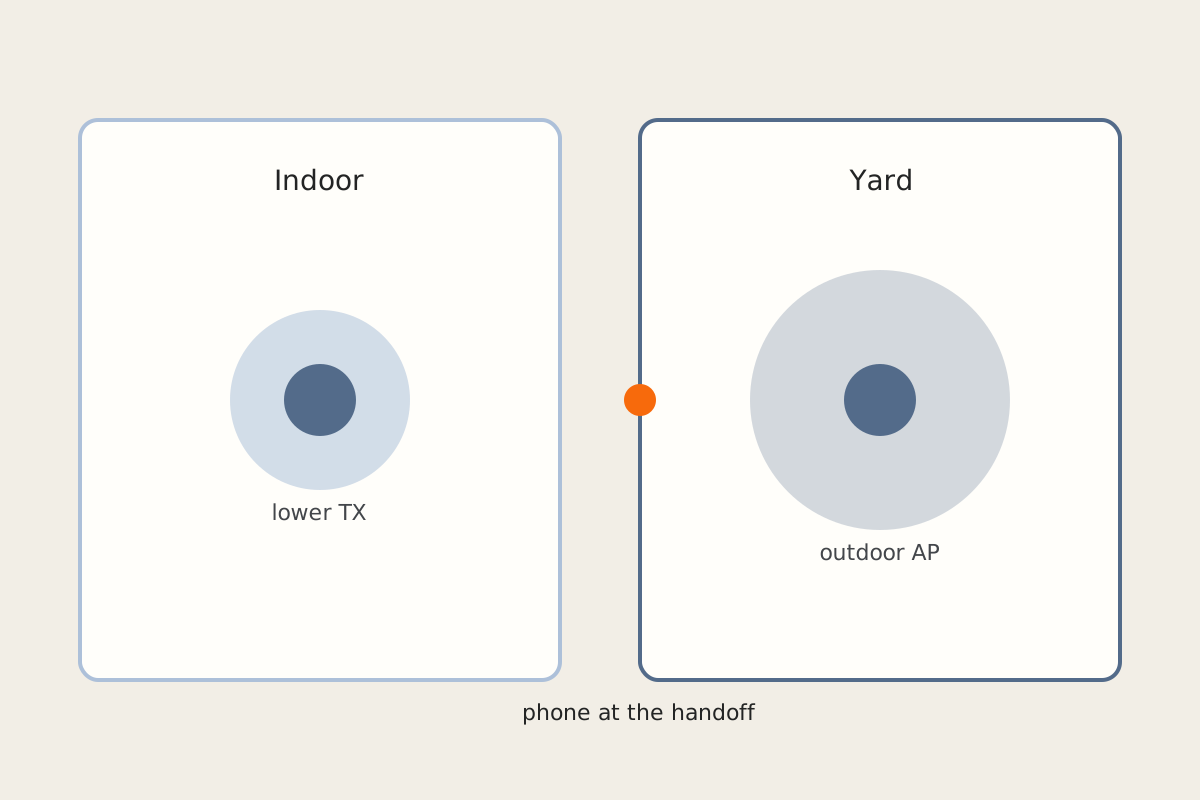
The phone stays glued to the indoor access point while you walk the yard, then the call falls apart fifty feet from the house. The new outdoor AP is adopted, powered, and “connected.” Roaming still does not happen. This is almost never a VLAN bug — it is overlapping cells, sticky clients, and radios that are shouting too loud.
Symptom
Inside, everything is fine. Halfway down the driveway the phone still shows the indoor AP’s name (or a 2.4 GHz radio you meant to retire). Video calls freeze. A laptop on the porch will not jump to the outdoor unit until you toggle Wi-Fi. Two SSIDs from the old and new kits are both on the air. A client is “pinned” or has Fast Roaming enabled and still takes seconds to move — or never moves.
Why it happens
Phones roam when the current signal is bad enough, not when a better AP exists. If the indoor AP is at high TX power, its cell covers the yard. The phone has no reason to leave. Add a second kit on the same channels and the air is noise. Leave the old AC-era APs broadcasting after the Wi-Fi 6 units come up and clients pick at random.
802.11r (Fast Roaming) helps a client that has already decided to move. It does not convince a sticky client to move. On mixed vendor or mixed-generation APs it can also break association, which looks like “roaming is broken” when the real issue is a fast-transition handshake the old radio cannot finish.
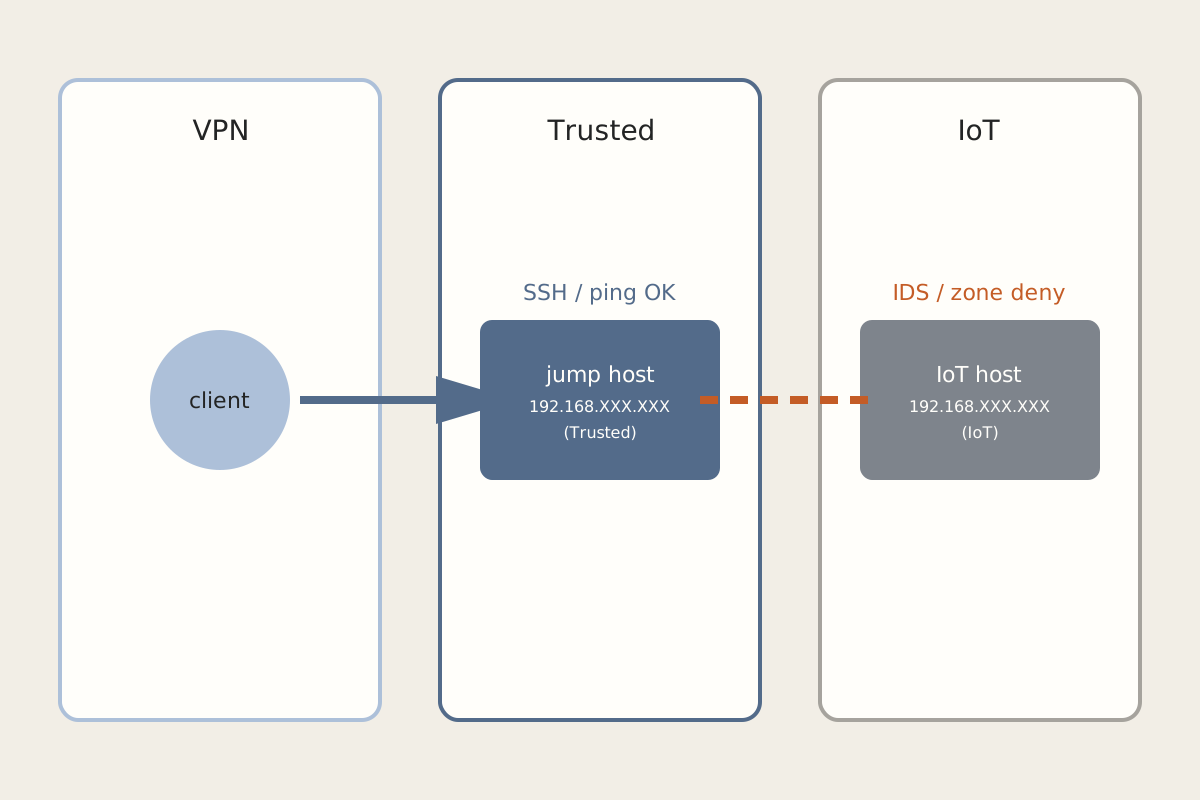
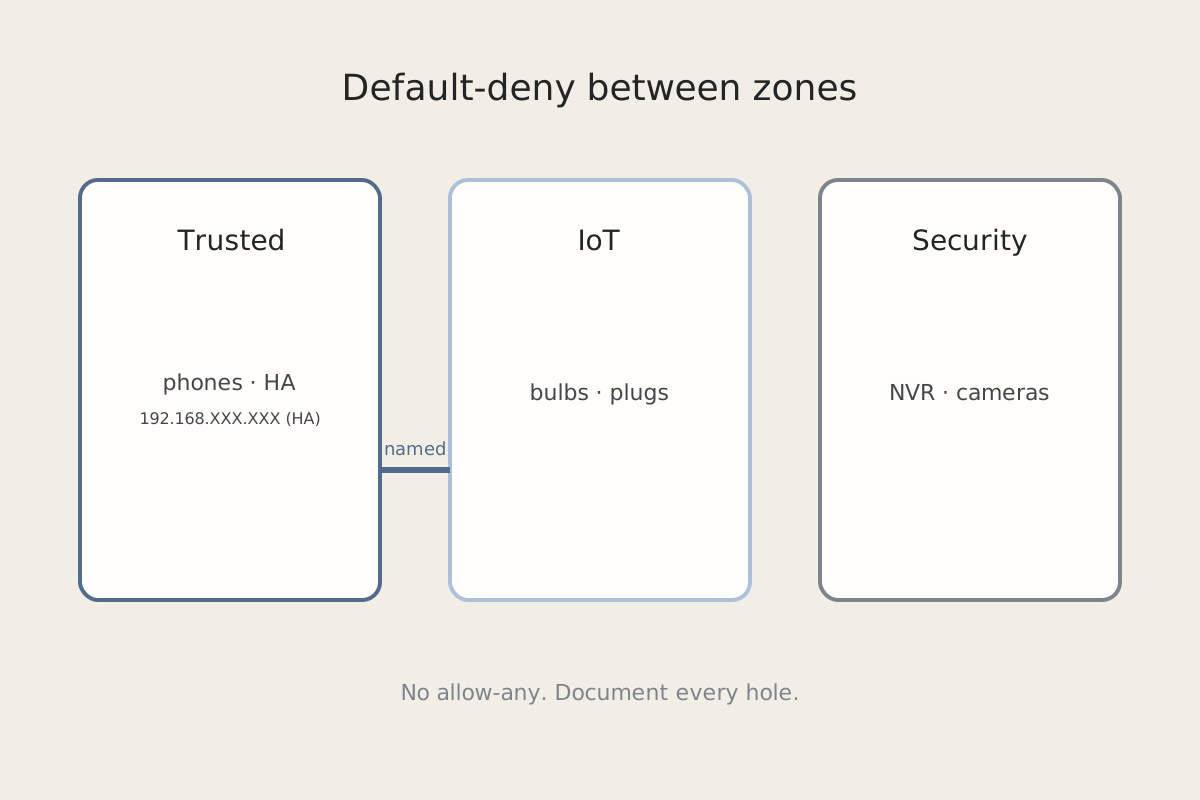
If you just split VLANs, confirm the SSID is actually on the network you think it is — that checklist is Default-Deny on the IoT VLAN. A phone that associates and then cannot reach IoT is a firewall problem. A phone that will not associate with the closer AP is this post.
Fix steps
-
Survey before you tune. Walk the path with the controller’s RF / neighbor view (or a phone Wi-Fi analyzer). Note which AP is heard at each stop, on which channel, and at what RSSI. You want a handoff band around −70 to −75 dBm, not −50 dBm from the living-room AP at the fence.
-
Find sticky and pinned clients. In the controller, look for a client locked to an AP, a minimum RSSI you set too aggressively, or “sticky client” / band-steering experiments from a previous weekend. Unlock pinned clients. Turn off the experiment until roaming is boring.
-
Lower indoor TX power. Indoor units do not need to cover the yard. Drop 2.4 GHz first (it already travels too far), then 5 GHz if the outdoor AP still never wins. The outdoor AP should be the loudest radio once you are outside — not a tie.
-
Plan channels and retire the old kit in that order. Give neighboring APs non-overlapping 5 GHz channels. Do not leave the old AC access points on the same SSID “for coverage” after the new ones are up. Clients will stick to the familiar radio. Adopt the new AP, confirm a client can join it, then disable the old SSID. Coverage first, cutover second.
-
Treat 802.11r as a later tweak. Get RSSI and channel plan right. Then enable Fast Roaming on a single SSID if every AP on that SSID supports it. If a phone starts failing to associate, roll 802.11r back — it is not the first knob.
-
One change set, with a rollback. Power, channel, and TX together are undiagnosable. Change one variable, walk the yard, write down the result. Keep the previous RF group / backup so you can revert the set in one shot.
How to verify
- At the door, the phone is on an indoor AP. At the far end of the path you care about, it is on the outdoor AP — without toggling Wi-Fi.
- A voice or video call survives the walk. A brief dip is fine; a stuck indoor BSSID is not.
- The old AC radios are off, not just “less preferred.”
- Controller history shows a roam, not a disconnect/reconnect, for a test walk.
- You can name the single change that made it work, and you still have the backup from before that change.
Related posts