Home Assistant Is Pingable and Completely Dead
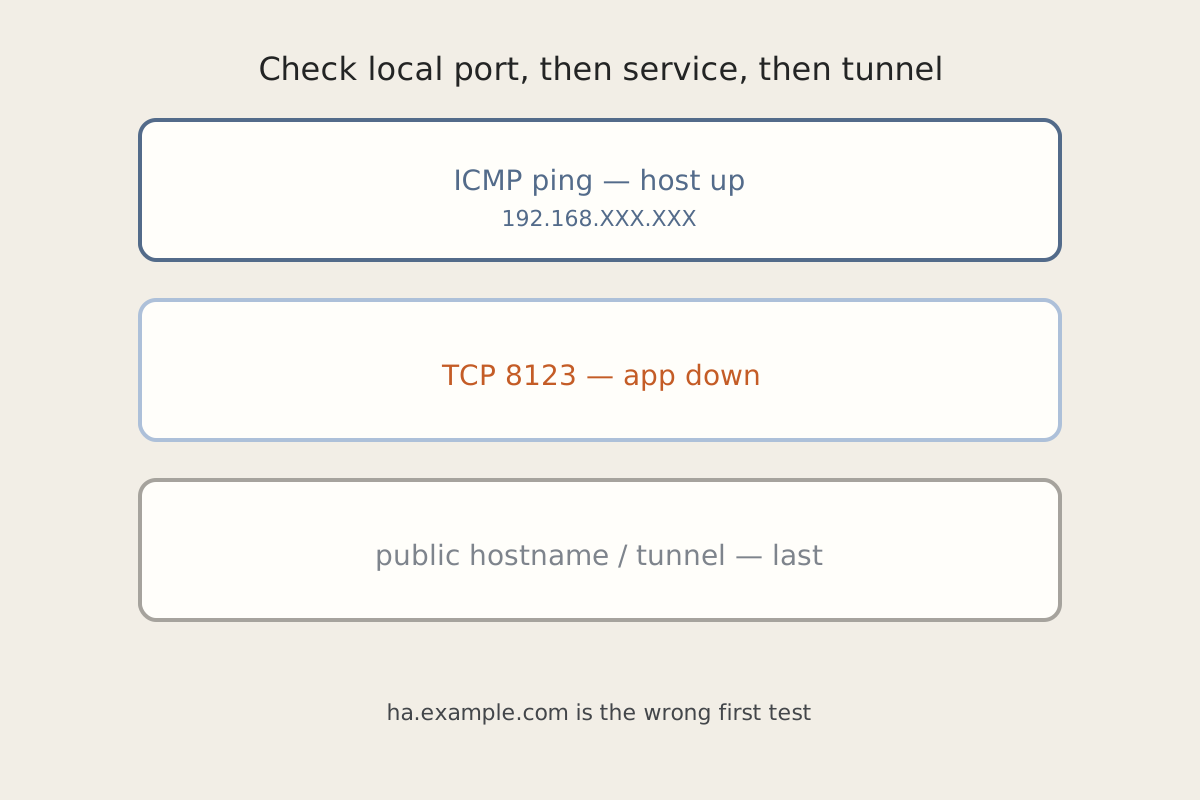
Home Assistant answers ping and the app is a brick. The box is on the network. ha.example.com just hangs. Companion on the phone spins. Automations you cannot see may already be dead. Ping is the wrong test.
Symptom
From a Trusted laptop, ping 192.168.XXX.XXX (or whatever you gave the HA host) is clean. SSH might even work. Opening http://192.168.XXX.XXX:8123 never finishes, returns a proxy error, or shows a stale Cloudflare page. The phone app is stuck on “starting.” Lights and sensors that should have moved have not. The tunnel dashboard still shows a happy connector.
Why it happens
ICMP only proves the OS (or the hypervisor) is up. Home Assistant is a process — often a container — listening on 8123, with a recorder database, a disk or SD card, and sometimes a reverse proxy or cloudflared in front. Those fail independently:
- The container exited, is restarting in a loop, or never bound 8123.
- The recorder cannot write: disk full, SD card read-only, a failed USB / NFS mount that was supposed to hold
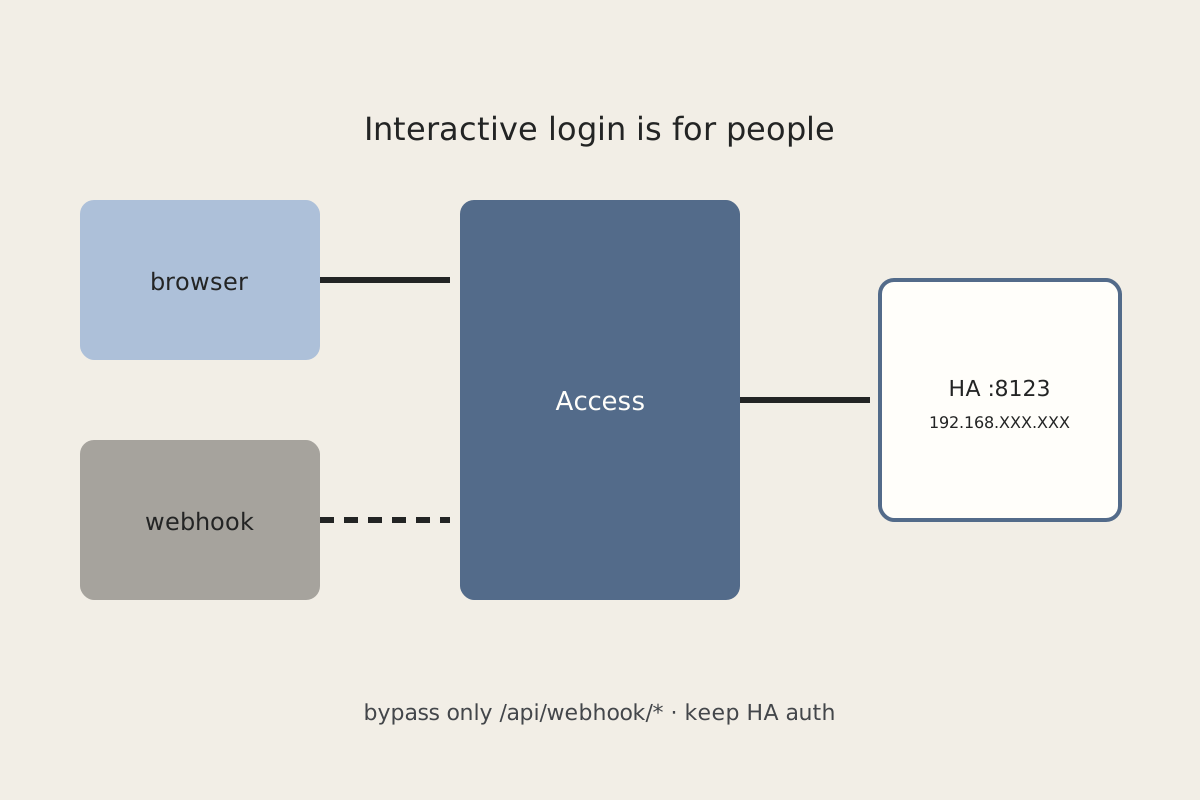
/configor media. - The local UI is fine and the public hostname is not, because the tunnel or Access policy died. That is a different layer — and a different post: Cloudflare Access in Front of Home Assistant Without Breaking Automations.
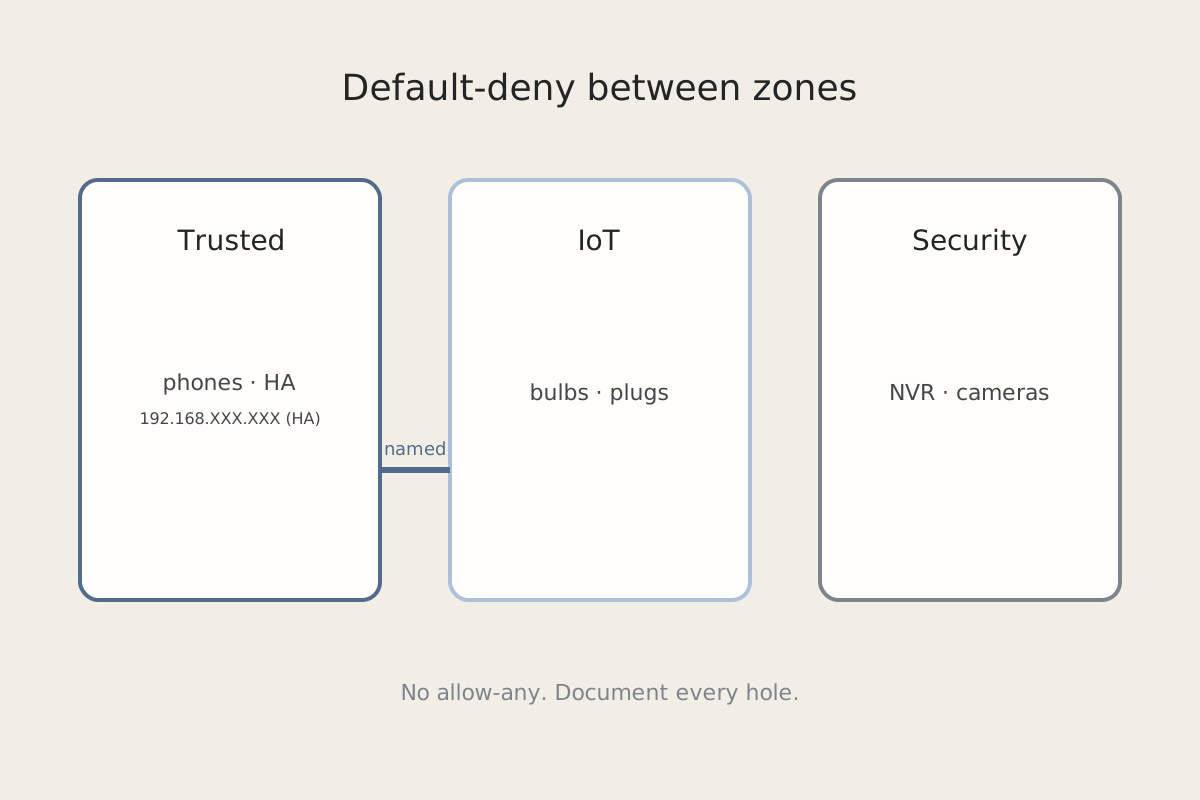
If HA lives on IoT or needs IoT, also confirm the zone exceptions in Default-Deny on the IoT VLAN before you rebuild the VM.
Fix steps
Work in this order: local port, then the service, then the tunnel. Do not restart Cloudflare because ping works and the app does not.
-
Hit 8123 on the LAN, not the public name. From Trusted, open
http://192.168.XXX.XXX:8123. Skipha.example.comuntil this works. If 8123 connects, the app and the tunnel are the suspects. If it does not, stay on the host. -
Check the container (or service) and its logs. Is the runtime running? Did the Home Assistant container exit? Read the last logs for recorder errors, a migration that did not finish, or a component that is wedging startup. A host that pings with a stopped container is this step, not DNS.
-
Check disk, SD, and mounts.
dfon the host. If the card is 100% or remounted read-only, the UI dies in strange ways and logs fill with I/O errors. Confirm every mount that should hold/config, media, or backups is actually mounted. A failed mount that leaves you an empty directory looks like “HA wiped itself.” -
Only then look at
cloudflared(or your proxy). If 8123 works locally and the public hostname does not, inspect the tunnel connector separately. Do not bounce HA to fix a tunnel. Do not bounce the tunnel to fix a full disk. -
Put a restart policy and a health check on the runtime. Restart-unless-stopped is not a health check. Probe TCP 8123 (or the HTTP API) and refuse to call the host “up” until that probe passes. The same probe is what you want on a status page instead of ICMP.
How to verify
http://192.168.XXX.XXX:8123loads the login (or dashboard) from the LAN.- The Home Assistant container has been up longer than one crash loop and the log is not screaming recorder/disk errors.
- Disk has headroom; mounts that should be mounted are mounted.
- Companion on the LAN works. Then retry
ha.example.com. If LAN works and the name fails, you have a tunnel/Access problem, not a dead HA. - The health check fails when you stop the container on purpose, and recovers when you start it — ping never noticed.
Related posts