Default-Deny on the IoT VLAN: Exceptions You'll Need
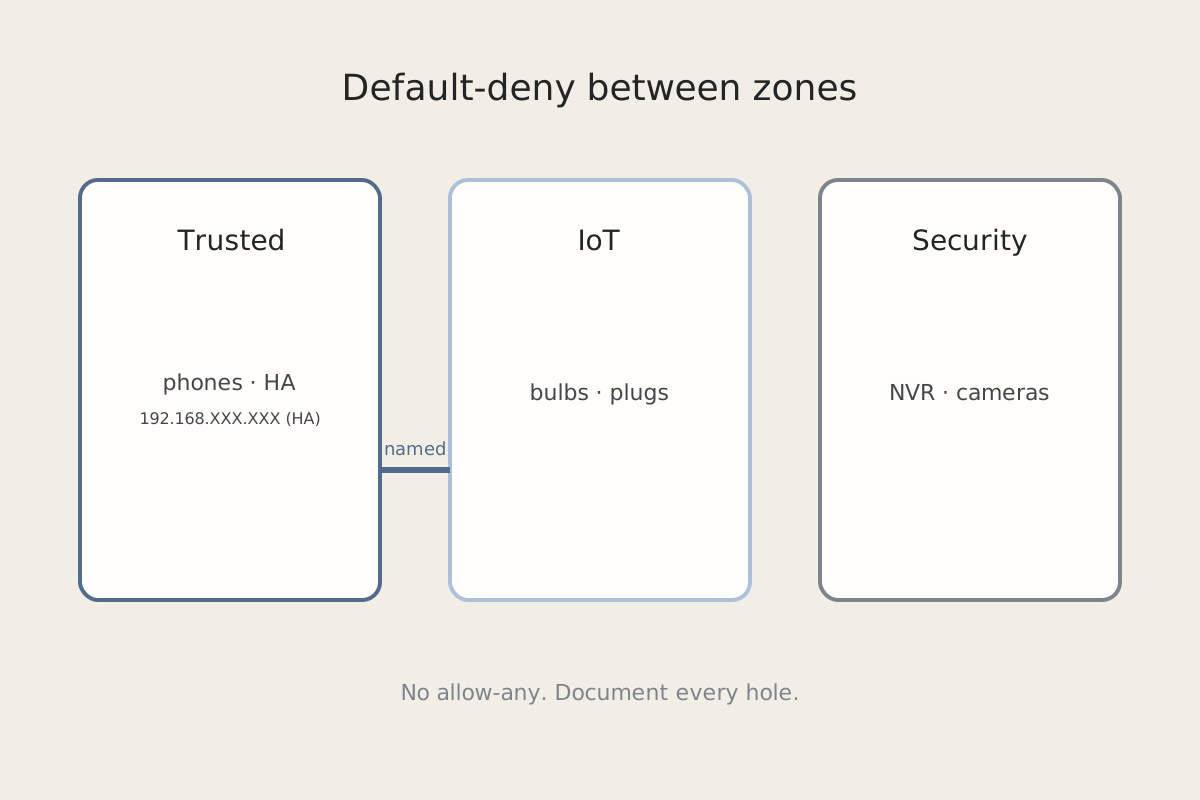
An IoT VLAN that can talk to everything is just a flat LAN with extra steps. Default-deny is the point. The work is writing the handful of exceptions the house actually needs — and refusing the temporary hole that never gets closed.
Symptom
Lights, cameras, printers, or a NAS stop answering from phones. Home Assistant cannot see a device that pings from the IoT network. mDNS names vanish. A “quick” allow-all from Trusted → IoT made the app work again, and now nobody wants to touch the firewall. Or you just split one Internal network into zones and everything that used to discover its neighbors is dark.
Why it happens
Default-deny between zones is working. Discovery protocols (mDNS, SSDP, UPnP) and a few well-known ports were riding the old flat LAN. They are not implied just because two networks share a router. UniFi-style zone policies also match on network objects, not on whatever CIDR you remember from last year — if the object is wrong, the rule never hits.
The other failure mode is the exception you meant to delete. “Allow IoT → Trusted, any, temporary” becomes the production policy. That is how a bulb network gets a path onto laptops.
Fix steps
-
Back up Network settings first. Export the controller backup (or take a settings-only backup) before you split zones. You want a rollback that is not “restore a week-old image.”
-
Split Internal on purpose. A useful baseline:
- Trusted — phones, laptops, jump hosts.
- IoT — plugs, bulbs, cheap cameras, anything you do not log into.
- Security — NVR, door controllers, the cameras you actually care about.
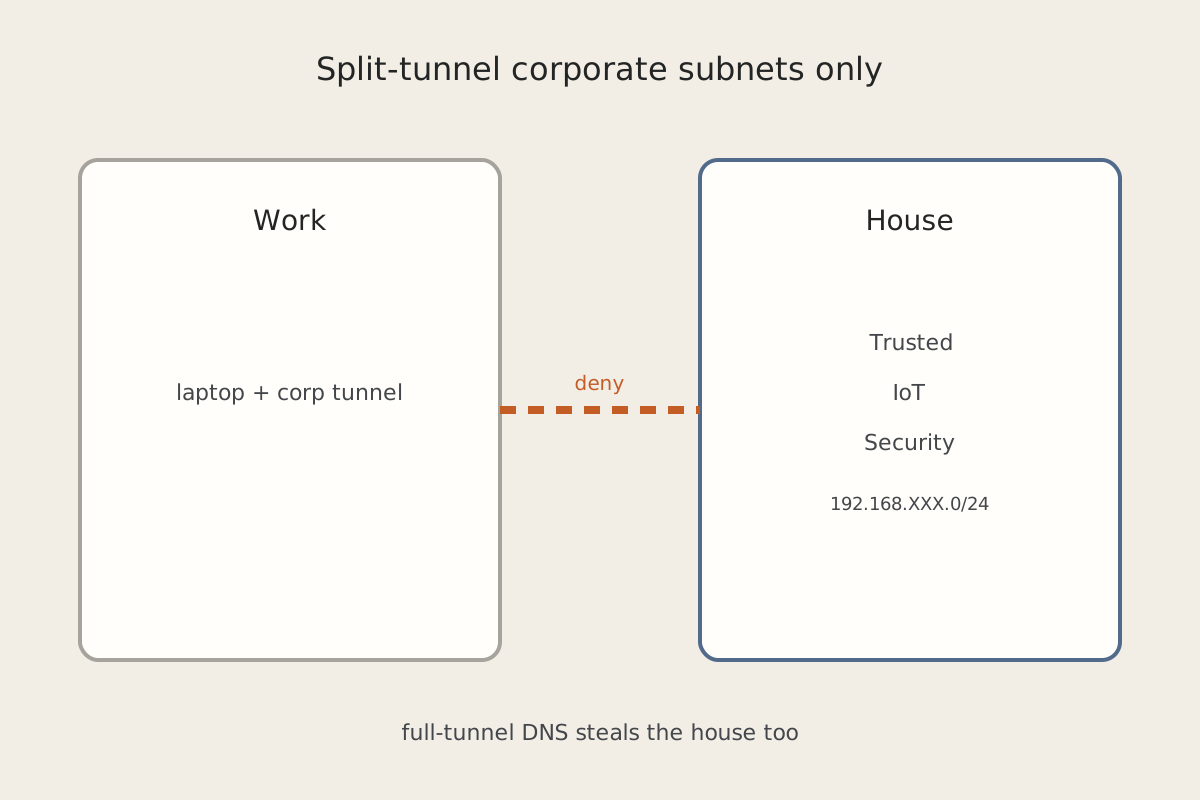
- Optional: Guest, Work (see Work VPN Should Not Steal House Traffic), Lighting if WLED/controllers deserve their own island.
Create the networks and zone objects, then attach Wi-Fi SSIDs and wired ports to those objects. Prefer the object in every rule. Do not sprinkle raw CIDRs you will forget after a renumber.
-
Write the policy as default-deny plus named exceptions. Typical shape:
- WAN ← Trusted: allow. WAN ← IoT: allow DNS/NTP plus the outbound the devices need; not “any” if you can avoid it.
- IoT → Trusted: deny, then add exceptions.
- Trusted → IoT: deny or allow established, then add exceptions.
- Security stays isolated from IoT and Guest. Work stays isolated from Trusted/IoT/Security except the one path you document.
-
Add the exceptions you will actually use — each one named, logged, and written down:
- Home Assistant on Trusted (or its own host at
192.168.XXX.XXX(HA)) needs to reach IoT on the integration ports you run, and IoT often needs to reach HA on TCP 8123. If HA is “up” at ping and dead in the app, that is a different failure: Home Assistant Is Pingable and Completely Dead. - NAS at
192.168.XXX.XXX(NAS) — only the shares or camera folders that Security/IoT must write, not SMB to the world. - mDNS — UDP 5353 between the zones that must discover each other. Do not reflect mDNS onto Guest or Work.
- Printer — IPP/9100 from Trusted (and maybe Guest) to the printer object, not to the whole IoT zone.
- MQTT — if the broker sits on Trusted, allow IoT → broker on 1883/8883 only. The Arduino side of that pattern is Sending Sensor Data From Arduino to MQTT.
- Home Assistant on Trusted (or its own host at
-
Never open IoT → all Trusted “temporarily.” If you need a debug hole, scope it to one source, one destination, one port, and a calendar reminder. Delete it the same day. Document every keep-forever exception next to the rule name so the next you does not have to reverse-engineer it.
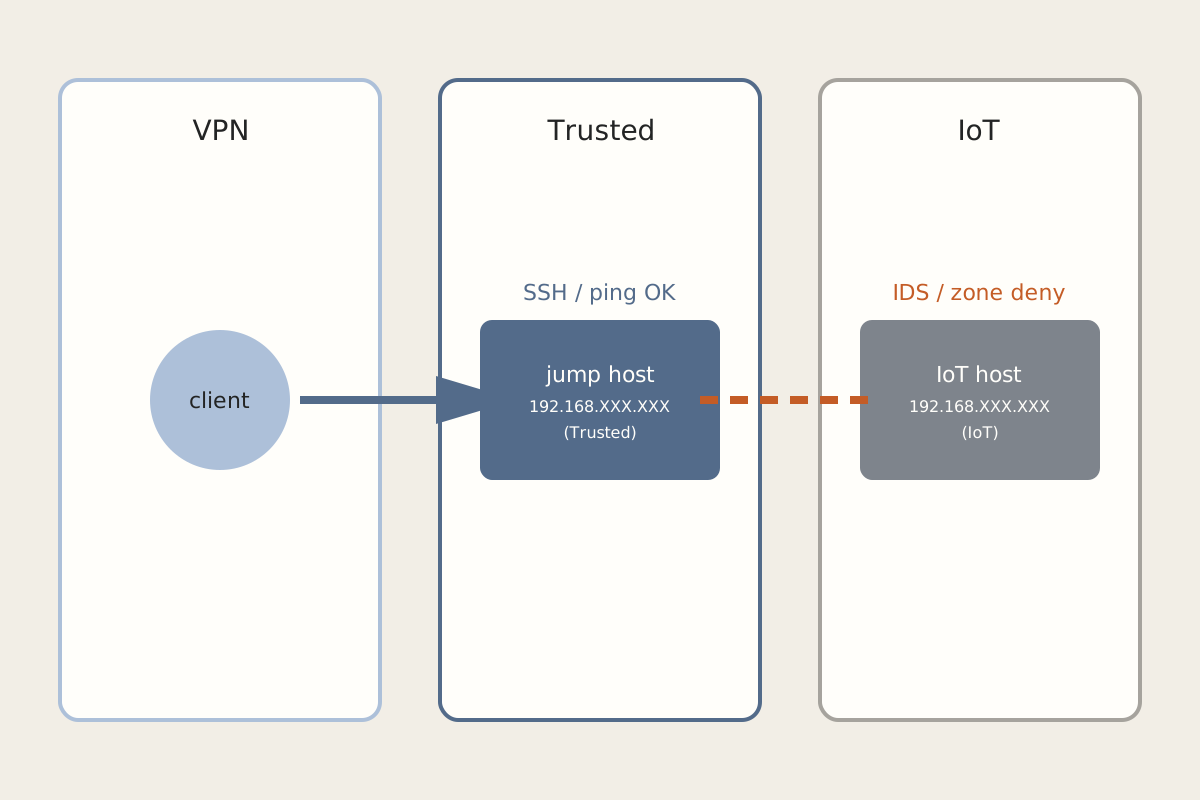
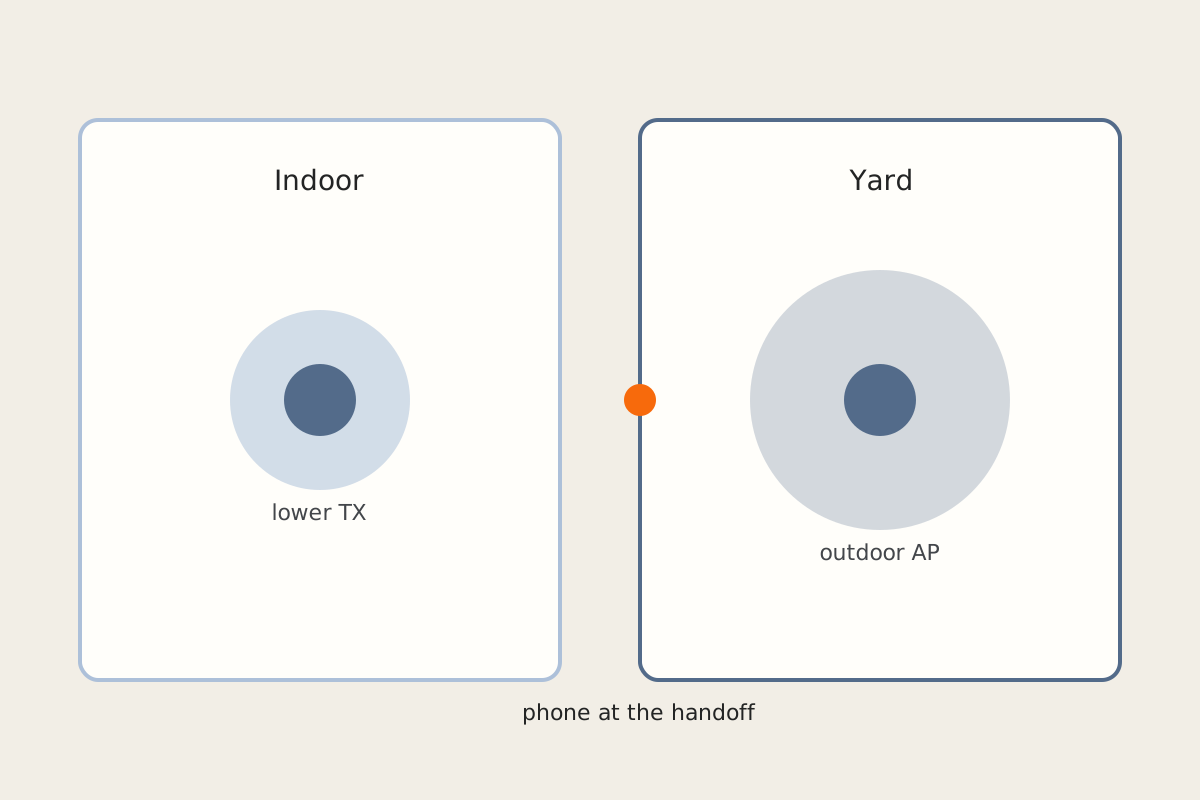
Phones that still will not follow you across the yard after the zones are right are a radio problem, not a VLAN problem — that is Why Phones Won’t Roam Across a Yard of Access Points. Remote VPN clients that still cannot reach IoT after these exceptions belong in VPN Connected, but Nothing on the IoT VLAN Answers.
How to verify
- Controller backup exists and you know how to restore it.
- A Trusted laptop can print and can open Home Assistant. It cannot SSH to a random IoT camera unless you wrote that exception.
- An IoT device cannot browse a Trusted file share.
- Each allow rule names a zone/object pair, not a mystery CIDR, and has a one-line reason in the description field.
- There is no allow-any between IoT and Trusted.
Related posts